Thursday, January 23, 2020

Learn How To Program With GameMaker Studio 2

It is a beautiful title isn't it? 😁

INTRODUCTION

Long time absence from game development world (as a hobbyist) make me forget how to create even just a simple games that i stumbled upon my old post of this platformer gif picture and wondering, did i made those movement engine?

The need to redo tutorials that i might find on the internet to refresh the knowledge of how to program is coming on urge to my brain. and this time i think i will "share" the journey in my blog to keep me remembering those tutorials. The list will be "growing" over time, and might stop anytime depend on the availability of my spare time.

Of course this walk together of learn to program will be using GameMaker Studio 2, a game engine to create 2D games that said is beginner friendly enough for a newbie. This engine is something that i wish had a linux ide for long time. Wish is a wish, and business has to carry on 😁

DISCLAIMER
I am not a programmer evangelist nor a game development specialist. Just common hobbyist who love to write a blog. There will always be a better way or other way to do things and achieving the same result rather than using content from this blog. One way or another, here is the planned list of contents. 😉

TABLE OF CONTENTS

2. Variables and Functions
3. GameMaker Studio 2 - LÖVE
4. To be added soon.. 

Wednesday, January 22, 2020

Colour Code

Colour Code :


Insync

So what is this Insync thing?
Insync is the official unofficial Google Drive client for PC.
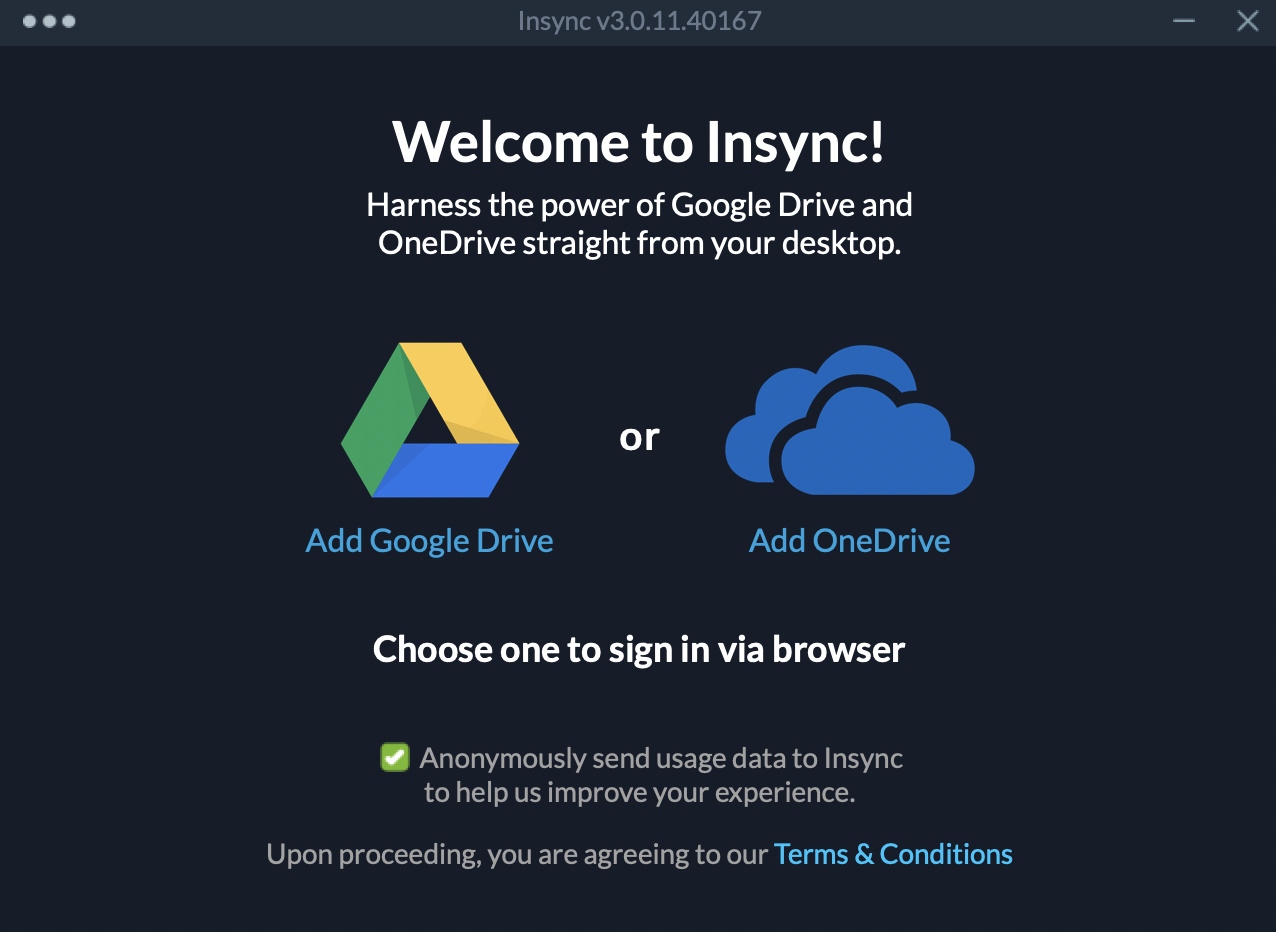
Just like the picture said, insync manage your Google Drive files straight from your desktop.

But, Dropbox?
Because Dropbox start to limit the number of devices that can link to a basic users account up to only three devices.
Because Dropbox is limiting the synchronization support to only Ext4 for linux. Meanings that if you have a dualboot OS Windows and Linux, Dropbox no longer can shared the folder under the same NTFS-shared HDD. Upgrading to a premium users don't change this support.

...errr, OneDrive?
OneDrive is nice, but it doesn't have a GUI linux client -yet. There is a workaround over the net, but a dedicated GUI for linux is nice.
On Windows side, OneDrive doesn't have a separated proxy-setting -yet. It follow the global Windows proxy system setting.

Google Drive?
My personal experience with official Google Drive Client -that only available for windows-, the client would freeze every now and then at system shutdown. The client also had a hard time for merging a folder, resulting many duplicate files with index behind the filename. 

filetxt.txt
filetxt(1).txt
filebitmap.bmp
filebitmap(1).bmp
...and so on.

Google Drive also don't have a client for linux system yet. So, i have a love-hate relationship with Google Drive :).

Insync + Google Drive?
Insync adds Google Drive functionality to the Windows, Linux and mac OS desktop. Sync, backup, edit and share files easily with one or multiple accounts.

Insync has its own proxy setting. Its a good thing to have if you deal a lot of local application through LAN but using a proxy to connect into the internet.

- edited-
Insync has added OneDrive support too as from their blog here:
https://www.insynchq.com/blog/insync-3/


tl,dr :
Very happy to use Insync as my main cloud-based storage client for now 😊

Wednesday, June 19, 2019

Installing SolydXK SolydK - Yet Another Installation Process 2019

Today we are going to install SolydK distribution into the harddrive. There were times when i dwelled into the command line interface from Debian minimal install to Linux-BBQ long time ago, before i sell my laptop and doing some office job task using Windows. And for now, i just want to feel all the bells and whistles from  -that-being-said- is a heavy desktop environtment. KDE.

As being written from previous post, my machine is a HP laptop with radeon graphic card and the-infamous realtek wifi. 

The preparation is always the same like before :


but, instead using unetbootin, this time i use rufus, a utility that helps format and create bootable USB flash drives, such as USB keys/pendrives, memory sticks, etc.

The flavors that i choose is SolydK Community Editions, Enthusiast's Edition (rolling) from https://solydxk.com/downloads/community-editions.  ....SolydK CE EE 😐
But why choosing this one? The EE version is one of the distro that can recognize my touchpad corectly during live session. (The stable version detect the left click as a right click, and the right click button as none).

Unlike the SolydX version that run live session smoothly, SolydK is stuck at boot upon booting into the media:

[  ok  ] Started raisenetwork interfaces.
[ ***] A start job is running for live-config contains the components that configure a live system during the boot process (late userspace). (..../no limit) .....and is taking your time forever 😐.

Because this one has nothing to do with graphic card, the "noveau.modeset=0" wont fix the problem.
..but, chenge the quiet splash with TimeoutStartSec=1min do a good job to bypass the start job.

 And all the steps just following the instructions.
Click the install icon at the desktop.

Select language.


Select timezone/region.


Select the keyboard layout


The name, user name, password and the host name.

The HDD Composition


We need a boot/uefi partition, a root partition, a swap partition, and an optional separate home partition mount point.


Be patient and enjoy the installation progress. It should take 15-30 minutes.


.....and enjoy your new system.

Saturday, June 1, 2019

HP rtl8723be Wireless Wifi

Finally i got a new laptop, and it's HP with Radeon graphics and Realtek wireless card. Fortunately, the Realtek wireless, the Realtek RTL8723DE 802.11b/g/n PCIe Adapter to be exact, is not so friendly with linux in general.
Debian won't recognized it. Its friendly derivatives SolydXK won't recognized it too. Ubuntu and Linux Mint is not recognizing it either. To make it worse, i don't have any cable connection. So the wifi is my only option to connect the laptop.

And this is an exhausting journey, as i am not a linux geek. 

After i got myself a connected computer, I found this thread :
https://forums.linuxmint.com/viewtopic.php?t=204172
(wow, 2015 thread and the problem still occurs now in 2019)

Download the firmware from here :
https://github.com/lwfinger/rtlwifi_new/archive/master.zip

Copied the zip file into the laptop via FDD, then extract it, and follow the step from the thread or github:

$make
$sudo make install
$sudo modprobe -r rtl8723be
$sudo modprobe rtl8723be

...and finally its working with a very weak signals!

but its working :)


on to the next step:

DEVICE=$(iw dev | grep Interface | cut -d " " -f2)
sudo iw dev $DEVICE scan | egrep "SSID|signal|\(on"
BSS xx:xx:xx:xx:xx
     signal: -65 dBm
     SSID: Error404

The above commands get a result range from -59 dBm to -65 dbm, and neither solution from the github or thread change that number. But the connection is just stable and not dropping if the laptop position is near enough from the wifi router.

Well, thats my work around for now. Cheers.


Update :
updating the kernel to the newest one make the Realtek --RTL8723DE 802.11b/g/n PCIe Adapter-- not being detected -again- by the system.

Reinstalling the firmware using the step above solve the problem.

Friday, October 13, 2017

GMS2 view_xview, view_yview

GameMaker Studio 2 has a list of obsolete function, including View Variables And Windows Functions.

From https://docs2.yoyogames.com/ , GMS2 introducing a camera function.

With the advent of the camera functions in GameMaker Studio 2, it means that a number of view variables are no longer required, specifically those referring to the view into the room rather than the view_port (which is still used). There are also a few functions for controlling how things are displayed that were available in legacy versions of GameMaker: Studio 1.4 which are also no longer appropriate. These variables and functions are listed below:

view_object     view_angle     view_xview     view_yview
view_hview     view_wview     view_hborder     view_vborder
view_hspeed     view_vspeed    
display_set_windows_vertex_buffer_method    
display_get_windows_vertex_buffer_method
display_set_windows_alternate_sync    
display_get_windows_alternate_sync    
room_set_view     


GMS1 center the view:
view_xview[0] = x - view_wview[0]/2;
view_yview[0] = y - view_hview[0]/2;

Alternative script for GMS2:
var view_xview = x - camera_get_view_width(view_camera[0]);
var view_yview = y - camera_get_view_height(view_camera[0]);
camera_set_view_pos(view_camera[0], view_xview/2, view_yview/2);

or obviously you can write it like this:
var view_wview = camera_get_view_width(view_camera[0]);
var view_hview = camera_get_view_height(view_camera[0]);

var view_xview_c = x - view_wview/2;
var view_yview_c = y - view_hview/2;
camera_set_view_pos(view_camera[0], view_xview_c, view_yview_c);

So we got a substitute for the code! We can continue to follow the GMS1 tutorial from youtube.
Well, not the greatest solution, but it works.
screenshake?
 
^_^


Monday, October 9, 2017

New Splash Screen GMS 2

Hey! A new update. Its Version 2.1.1.241 Download. Wed, 04 Oct 2017 08:37:57 Z. And it has a new randomize splash screen.

We can read the Release Notes here,
but here is the hightlight first four :


  • Added some cool new splash screens and now randomly choose which is shown.
  • Language files now have the standard 2-digit language code in them, and GMS2 will now auto-select its language for new installs by using your OS language.
  • Mac installer will now remove all previous files, cleaning out the installed folder.
  • New sprite editor filters added to help get rid of halos and glows around sprites.
The old splash screen.
... and the three randomize addition.


What do you think? :p